Ask
Ask is where you put a question to Alpheous and get an answer without digging through the CRM or the regulatory record yourself. Two modes cover different kinds of questions: Ask and Reason.
:::tip Why This Page Matters Ask gives you a sourced answer you can check. Reason gives you a direct read on your own data when a citation-only answer is not what you need. Between them they cover most of what you would otherwise have to look up by hand. :::
Ask Mode: Grounded Answers
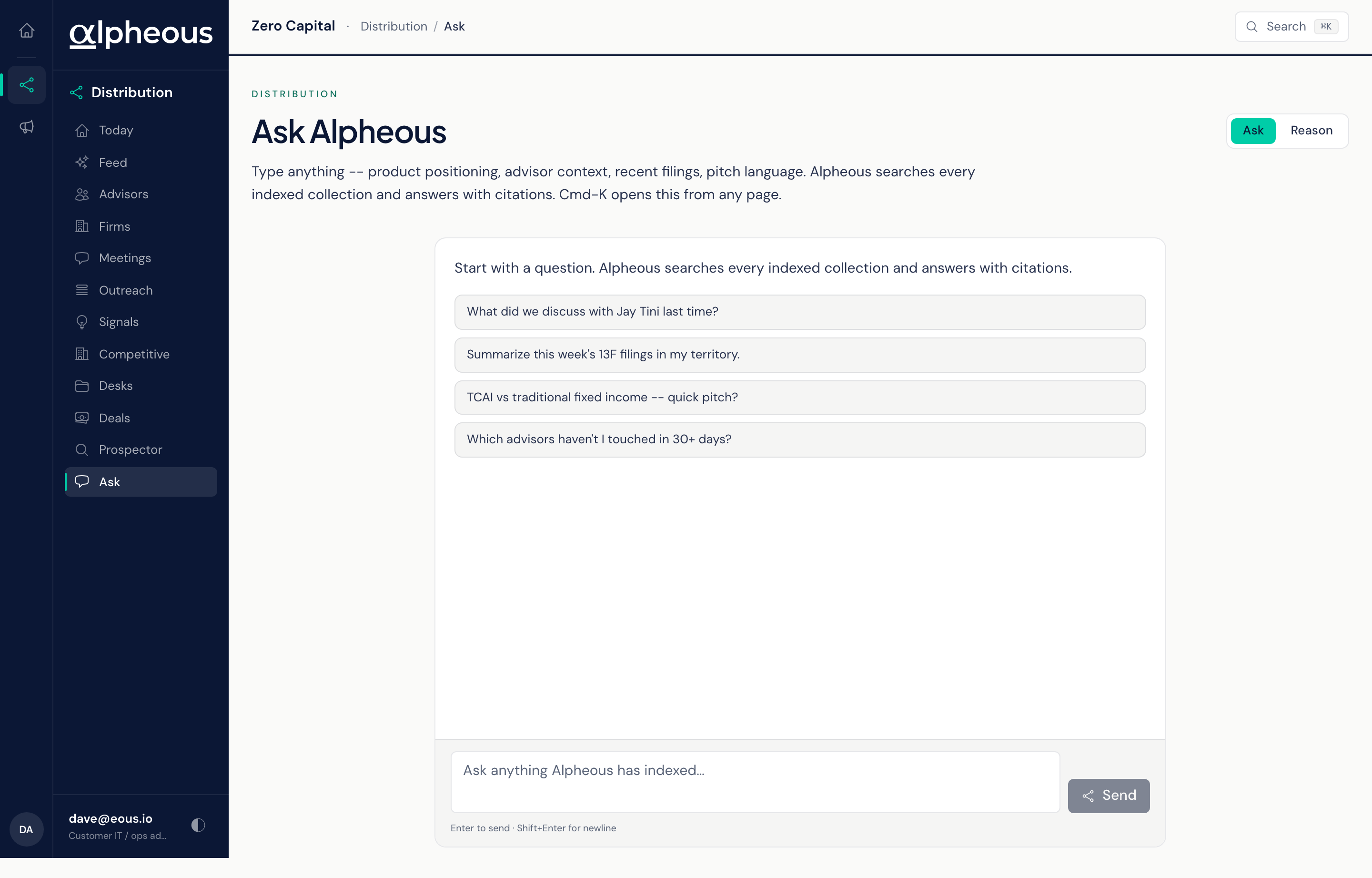
Ask, the default mode, answers strictly from your firm's knowledge base and shows the citations behind every part of its answer, so you can open a source and confirm it before you rely on it. Put your question in plain English, the way you would ask a colleague, about an advisor, a firm, a product, or your territory.
Reason Mode: Direct Answers
Reason takes a different approach: instead of answering only from cited material, it reasons over your firm's data and answers you directly. Ask and Reason keep separate conversation histories, so switching modes never mixes up your prior questions between the two.
Open It From Anywhere
You can open Ask from any page in the app with the Cmd-K shortcut, and it can run a question you have already typed the moment it opens, whichever mode is currently active.
Related
- Knowledge Base: the agent behind the answers Ask Mode returns, also reachable from Slack.
- Outreach: where you compose a new message once you have the answer you needed.
- The Web App: Overview and Navigation: how Ask fits into the rest of the app.